Restaurant recipe costing software
Keep every dish cost connected to real ingredient prices.
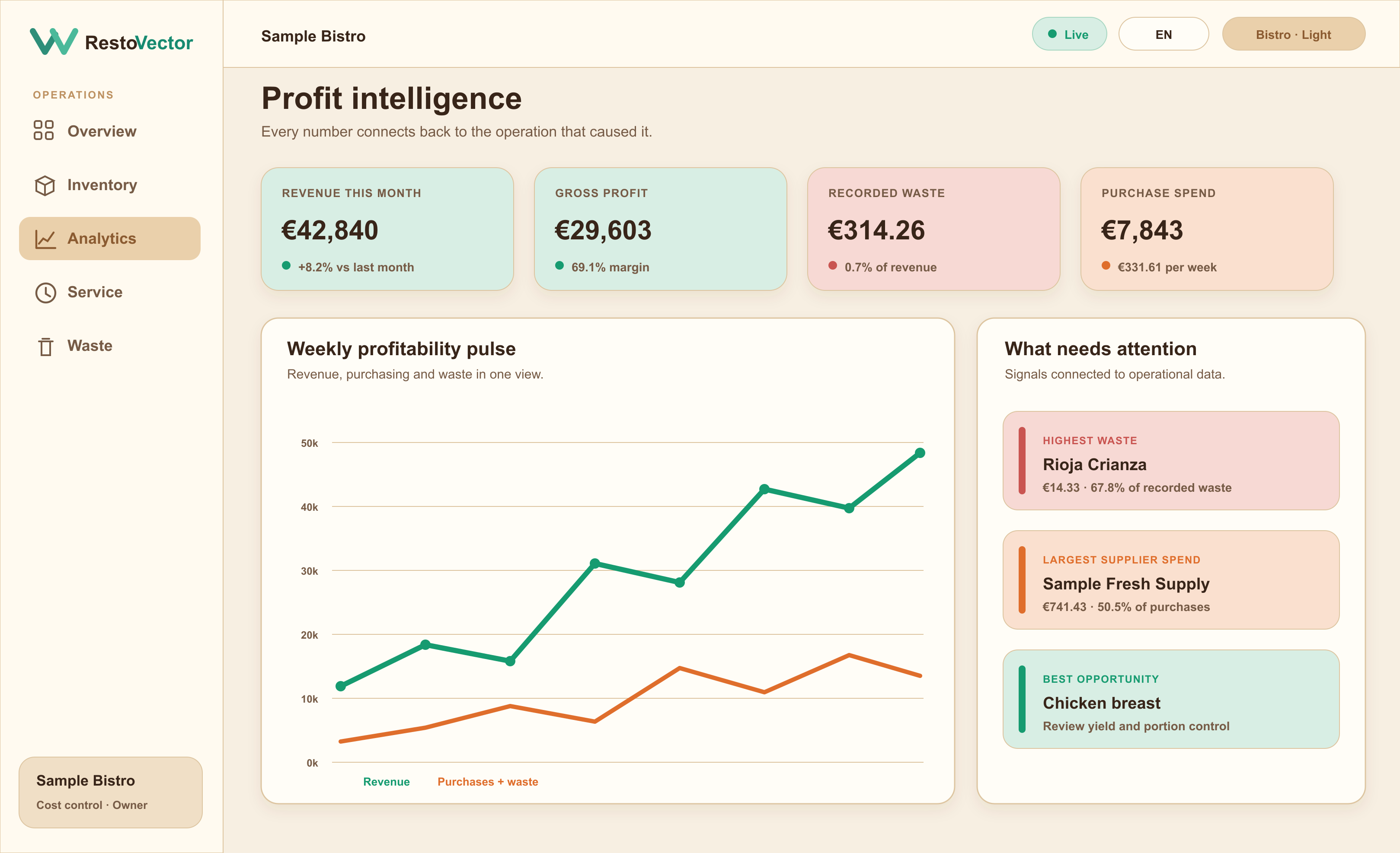
RestoVector turns ingredients, quantities and purchase prices into traceable dish costs, then connects completed orders to stock usage, food cost and contribution margin.
A recipe spreadsheet becomes outdated when a supplier price changes. Connected recipe costing keeps the operational evidence beside the result.
The operational problem
Why restaurant recipe costs go out of date
Ingredient prices change, yields differ and portions drift. If recipes are separate from purchasing, inventory and sales, the displayed dish cost may look precise while using old or incomplete information.
Cost recipes from their ingredients
Define ingredient quantities and units for each dish or preparation. RestoVector uses available product-cost information to calculate recorded ingredient cost, food-cost percentage and gross contribution.
- ✓ Ingredient quantities and units
- ✓ Recipes and sub-recipes
- ✓ Selling price and food-cost percentage
- ✓ Contribution per dish
Connect supplier prices to the menu
Purchase history preserves price context by product and supplier. When a material ingredient cost changes, management can review which recipes and margins are exposed.
- ✓ Supplier price history
- ✓ Product-cost changes
- ✓ Affected recipe review
- ✓ Evidence for menu-price decisions
Use completed orders to update stock and analysis
In Full Cost Control mode, completed dish orders use their recipes to deduct ingredients. The same event links sales, usage, recorded cost and margin instead of creating separate manual entries.
- ✓ Recipe-based stock deduction
- ✓ Order-level revenue
- ✓ Recorded ingredient usage
- ✓ Dish and period comparison
Connected workflow
A connected recipe-costing workflow
- 01Create ingredients→
- 02Record supplier prices→
- 03Build the recipe→
- 04Set the selling price→
- 05Complete dish orders→
- 06Review food cost and margin
Try costing a recipe with your ingredients
Before requesting a demo, you can cost one recipe with our free tool. Enter the purchased pack price, usable quantities and number of portions. An 80% yield means each purchased kilogram leaves 800 g of usable ingredient; use 100% when the price already covers prepared product.
Who it is for
Recipe costing for a live restaurant operation
Restaurants can add recipes gradually and keep manual stock during setup. When the data is ready, Full Cost Control connects dishes to ingredient deductions and richer margin analysis.
- ✓À la carte restaurants
- ✓Set menus and tasting menus
- ✓Bars and cafés with food
- ✓Central kitchens
- ✓Multi-location menu control
Frequently asked questions
Restaurant recipe costing questions
What does restaurant recipe costing software calculate?
It combines ingredient quantities with available product prices to calculate the recorded ingredient cost of a recipe, its food-cost percentage and its gross contribution at the chosen selling price.
Do supplier price changes affect dish costs?
Purchase records retain product-price context. RestoVector can use that evidence to show how material ingredient changes affect recipes and margins.
Can a recipe reduce inventory when a dish is sold?
Yes in Full Cost Control mode. A completed dish order can deduct the ingredient quantities defined in its recipe from the relevant inventory.
Can we configure recipes gradually?
Yes. Quick Start supports manual stock and simpler selling workflows while recipes are prepared. Automatic ingredient deductions can be introduced when the restaurant is ready.
See RestoVector
See how it fits your restaurant operation.
Request a demonstration built around your service, kitchen, inventory and cost-control workflow.